
FlyU AI Music Video Generator
Turn Any Song or Audio Into a Cinematic Video
Upload MP3 to generate beat-synced music videos, AI music visualizers, lyric visuals, and concert scenes in minutes.

10M+
Creators

10M+
Daily Creations

25 +
Visual Styles

50M+
Tracks Analyzed
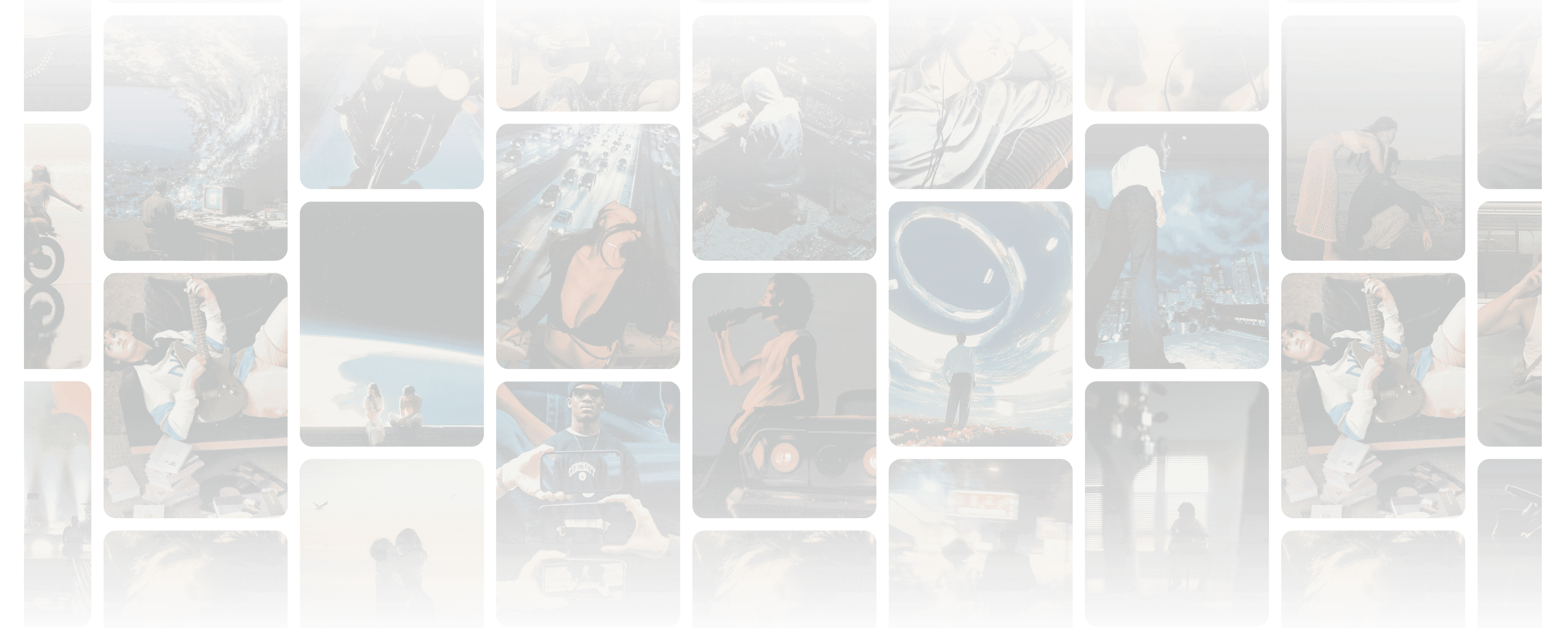
Trending Videos from Our AI Music Video Creator
Y2K Illusion
Urban Rumble
Velvet Snow
Sugar Rush Pink
Forest Waltz
Interstellar Fissure
Generation Modes
Lite Mode
10 - 15 secQuick song to video AI generation in two steps. Upload an MP3 and a character photo to start:
Story Mode
Powered by Seedance 2.0. AI auto-designs shot sequences and scene transitions for a cinematic narrative.
Lip-Sync Mode
Powered by Kling digital human model. Superior lip-sync accuracy and natural character movement.
Pro Mode
10 s - 4 minUnlock 1080p HD resolution, multi-shot storyboards, and full model control:
Story Mode
AI writes a full video script and designs shot-by-shot storyboards. Cinema-grade output with your character.
Concert Mode
AI designs lead vocalist, band members, and a high-quality stage environment. Live concert realism.
Powered by Leading AI video Models
FlyU integrates 6 leading AI video models - and updates automatically as new ones launch. No tool-switching, no waiting.


Seedance 2.0
Cinema-grade scene generation with intelligent shot planning. Powers Story Mode in both Lite and Pro.


Kling 3
Digital human model with superior lip-sync accuracy and natural character movement. Powers Lip-Sync Mode in Lite.

Veo 3
Google DeepMind's latest video generation model. High-fidelity motion and photorealistic scene rendering.


Sora 2
OpenAI's video model with strong temporal consistency and cinematic composition across long sequences.


HappyHorse
Optimized for music-driven visual storytelling with expressive, beat-reactive output. Great for electronic and high-energy tracks.


Gemini Omni
Optimized for music-driven visual storytelling with expressive, beat-reactive output. Great for electronic and high-energy tracks.
Most audio to video AI tools lock you into one model. As the best ai music video generator, FlyU integrates six top engines — Seedance 2.0, HappyHorse, Kling 3, Veo 3, Sora 2, and Gemini Omni — in one workspace.
How to Make an AI Music Video
Go from MP3 to video AI in 4 simple steps

Upload Your Song

Upload or Select Character

AI Generates

Download & Share
What Makes FlyU the Best AI Music Video Generator
Built specifically for music - not repurposed from a general video tool.
FlyU
YesGeneric
NoFlyU
YesGeneric
NoFlyU
YesGeneric
NoFlyU
YesGeneric
NoFlyU
YesGeneric
-PartialFlyU
YesGeneric
NoUnlike generic video tools, FlyU AI music video maker offers both instant Lite Mode (15s beat-synced MVs in two steps) and advanced Pro Mode (up to 4-minute cinematic productions with AI storyboards). Get full creative control without complex prompt engineering, manual keyframing, or prior editing experience.

Styles:
AI Music Visualizer

Every style is hand-crafted for music. Use FlyU as your AI music visualizer maker — from beat-reactive audio visualizer generator effects to full cinematic anime narratives.
Retro-Future Synth
Midnight Gloss
Y2K Illusion
Urban Rumble
Velvet Snow
Sugar Rush Pink
Forest Waltz
Interstellar Fissure
Digital Persona
Cyberpunk Neon
Cinematic Drama
Anime Fantasy
Reality Blend
Pixar Warmth
Dark Ambient
+ 10
More Styles
Powerful AI Music Video Creator for Every Artist
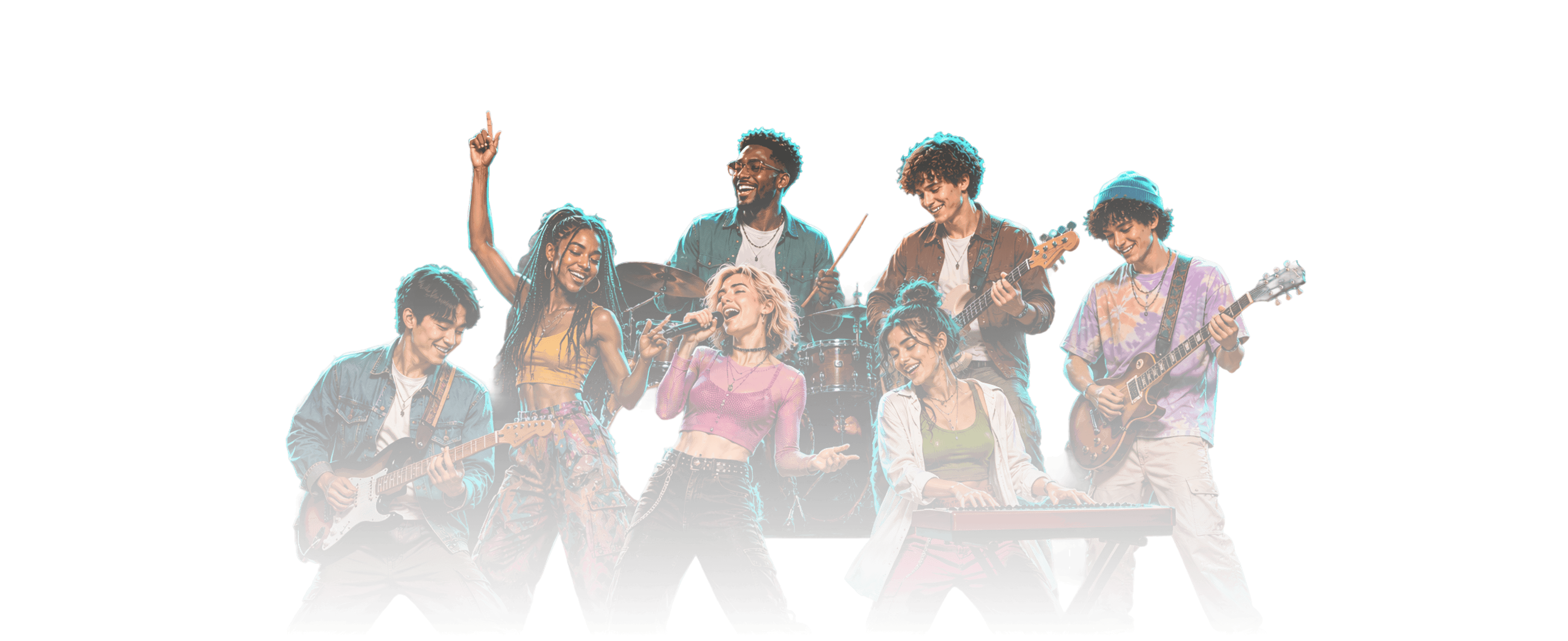
Whether you're releasing your next track, DJ set, or first viral snippet, FlyU gives you a workflow that fits.
Social Media Creators
Create scroll-stopping content for TikTok, Instagram Reels, and YouTube Shorts. Beat-synced, platform-optimized.
DJs & Electronic Producers
Generate beat-reactive visuals for sets, drops, and releases. Perfect for Spotify Canvas and live streams.
Independent Artists
Turn your demo into a professional music video without a film crew or budget. Release-ready visuals in minutes.
Music Lovers & Cover Artists
Give your covers and originals the visual treatment they deserve. Generate a lyric video or full cinematic MV - no camera, no crew, no problem.
Trusted by 10 Million+ Music Creators Worldwide
10M+
Users
1M+
Daily Creations
25+
Visual Styles
Over time, FlyU has helped creators publish music videos, lyric edits, concert visuals, and anime-style performances for TikTok, YouTube, and Instagram.
Frequently Asked Questions About AI Music Video Generation
Ready to Turn Your Music into Cinema?
Join 10 million creators making their music visual. Sign up to claim free bonus credits and generate your first MV.