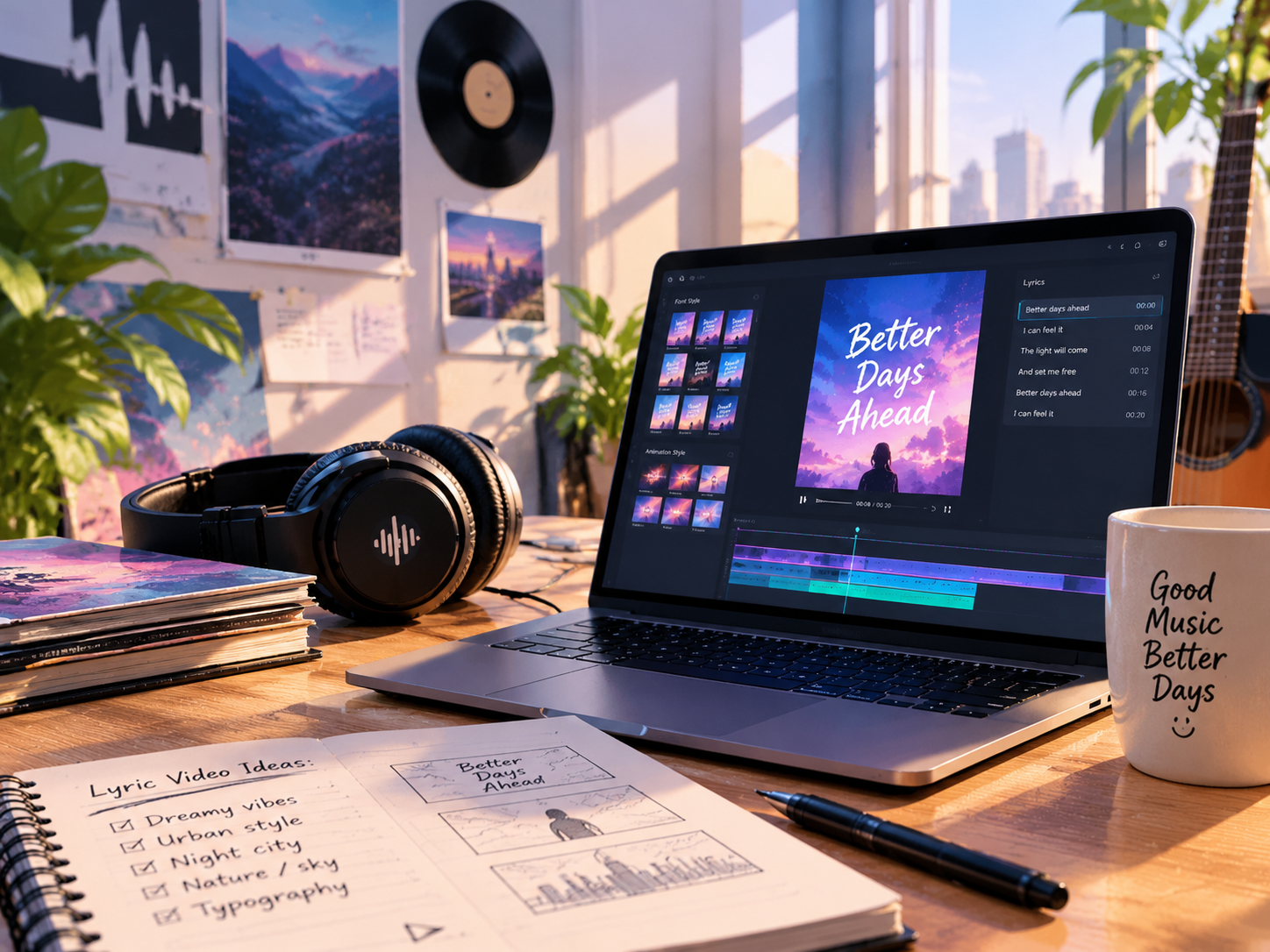
Want to make your music stand out on YouTube and SoundCloud? Kinetic lyric videos combine synchronized lyrics, animated typography, and music-driven effects to create engaging visuals for singles, remixes, and release campaigns. AI-powered tools help independent artists create polished lyric content without spending hours manually animating every line.
The Commercial Power of Lyric Videos in Release Week Marketing
Why Lyric Videos Boost Fan Engagement and Sing-Alongs
Lyric videos help listeners follow the words, sing along, and connect with a song's message. Unlike traditional audio visualizers that focus mainly on waveforms or moving shapes, animated lyrics add another layer of storytelling.
They are especially useful for:
- New releases: Help listeners remember memorable hooks.
- Remixes: Highlight new vocal sections and repeated choruses.
- Social promotion: Turn standout lyric moments into short promotional clips.
- International audiences: Reach more listeners with accurate subtitles.
From Manual Keyframing to AI-Powered Sync
Manually timing every lyric in editing software can be time-consuming, especially for fast vocals or complex rhythms. An ai lyric video generator can streamline production with synchronized text, customizable typography, and animated effects.
AI can speed up the process, but lyric accuracy still matters. Review timing and spelling to ensure the words match the vocals.
Building Your First Kinetic Lyric Video with FlyU AI
Step 1: Upload Audio and Lyrics
Start with your finished song and accurate lyrics. FlyU supports SRT and LRC imports, allowing you to use existing subtitle or timed lyric files. Check spelling, line breaks, and timing before creating your video.
Step 2: Choose Typography and Animation
Match the visual style to your music's genre and mood. FlyU offers 20+ font styles and 5 animation effects for different creative directions.
- Bold typography: For energetic electronic tracks and K-Pop.
- Handwritten styles: For intimate or emotional songs.
- Minimalist text: For clean layouts where lyrics take center stage.
- Dynamic motion: To emphasize hooks and transitions.
Keep lyrics readable on mobile screens and use enough contrast between text and background.
Step 3: Sync, Preview, and Refine
FlyU supports real-time lyric synchronization and lets you fine-tune timing around vocal phrases and hooks. Karaoke Mode highlights lyrics as the song progresses, helping viewers follow along and sing with the track.
Preview the full video before exporting. Check that lyrics appear at the right time and that animations complement rather than distract from the music.
Try the FlyU AI Lyric Video Generator to create lyric-driven music visuals.
Beyond Static Text: Make Lyrics More Dynamic
Use a Lyrics Animation Generator to Add Visual Rhythm
A lyrics animation generator transforms plain text into animated on-screen lyrics. Vary the emphasis to match the song's structure: make the chorus more prominent, keep verses simpler, and use transitions between sections.
Explore an AI Music Video Generator from Lyrics
An ai music video generator from lyrics workflow can help translate lyrical themes into visual concepts. Atmospheric imagery may suit a reflective song, while vivid colors and energetic scenes can complement an upbeat track.
For broader music video production, explore FlyU AI MV Maker to develop complementary visuals for YouTube releases and promotional campaigns.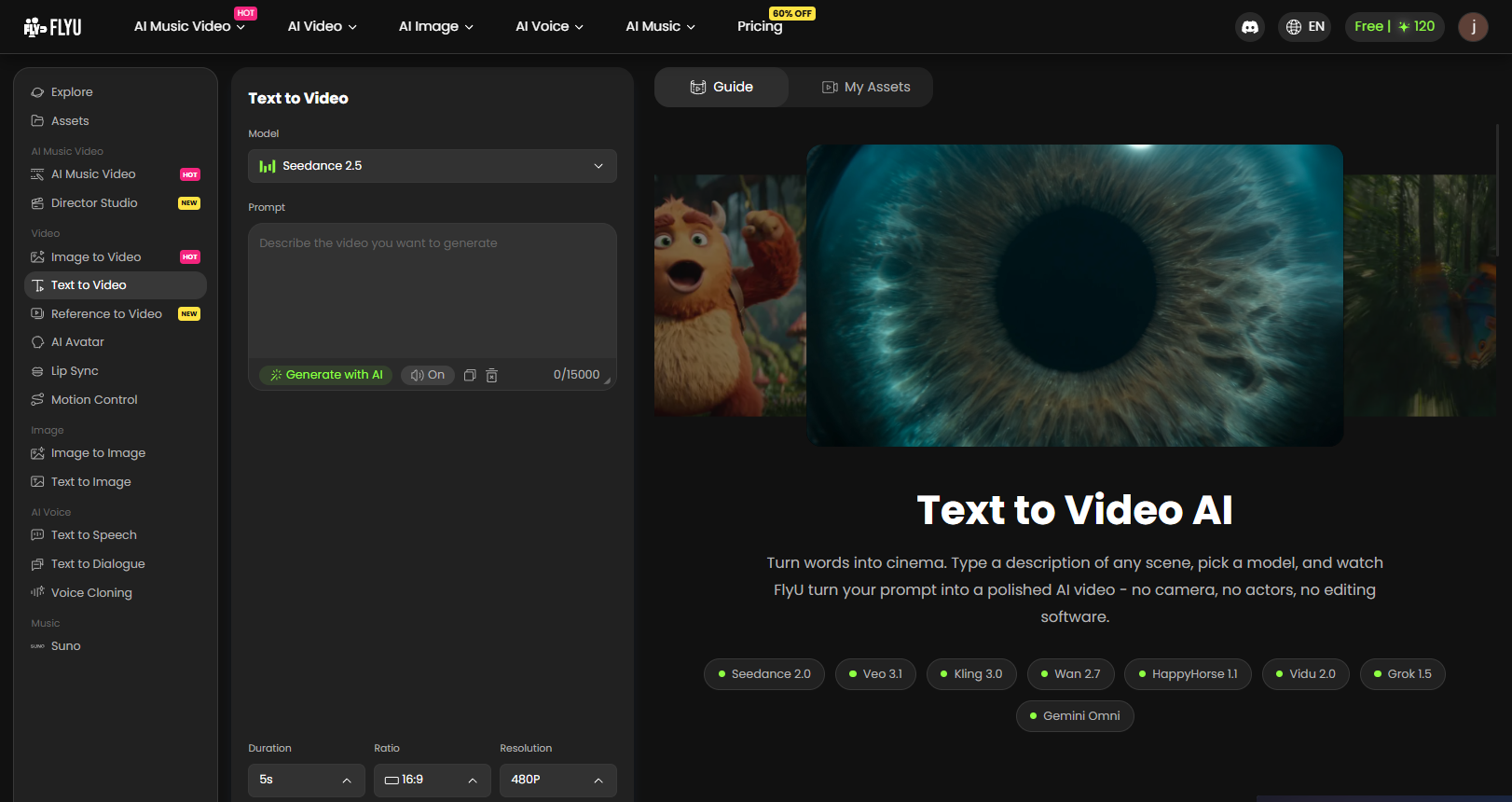
YouTube SEO and Release Campaign Best Practices
- Optimize the title: Include your artist name, track title, and a phrase such as “Official Lyric Video.”
- Write a useful description: Add release details, streaming links, and credits.
- Add accurate subtitles: Consider multilingual captions for international audiences.
- Maintain visual consistency: Use related typography, colors, and artwork across releases.
- Encourage engagement: Invite listeners to share their favorite lyrics or sing along.
- Review performance: Monitor watch time, audience retention, and engagement to refine future videos.
For release week, publish the full lyric video alongside short clips featuring a memorable line or chorus. This gives fans more ways to discover and share your music.