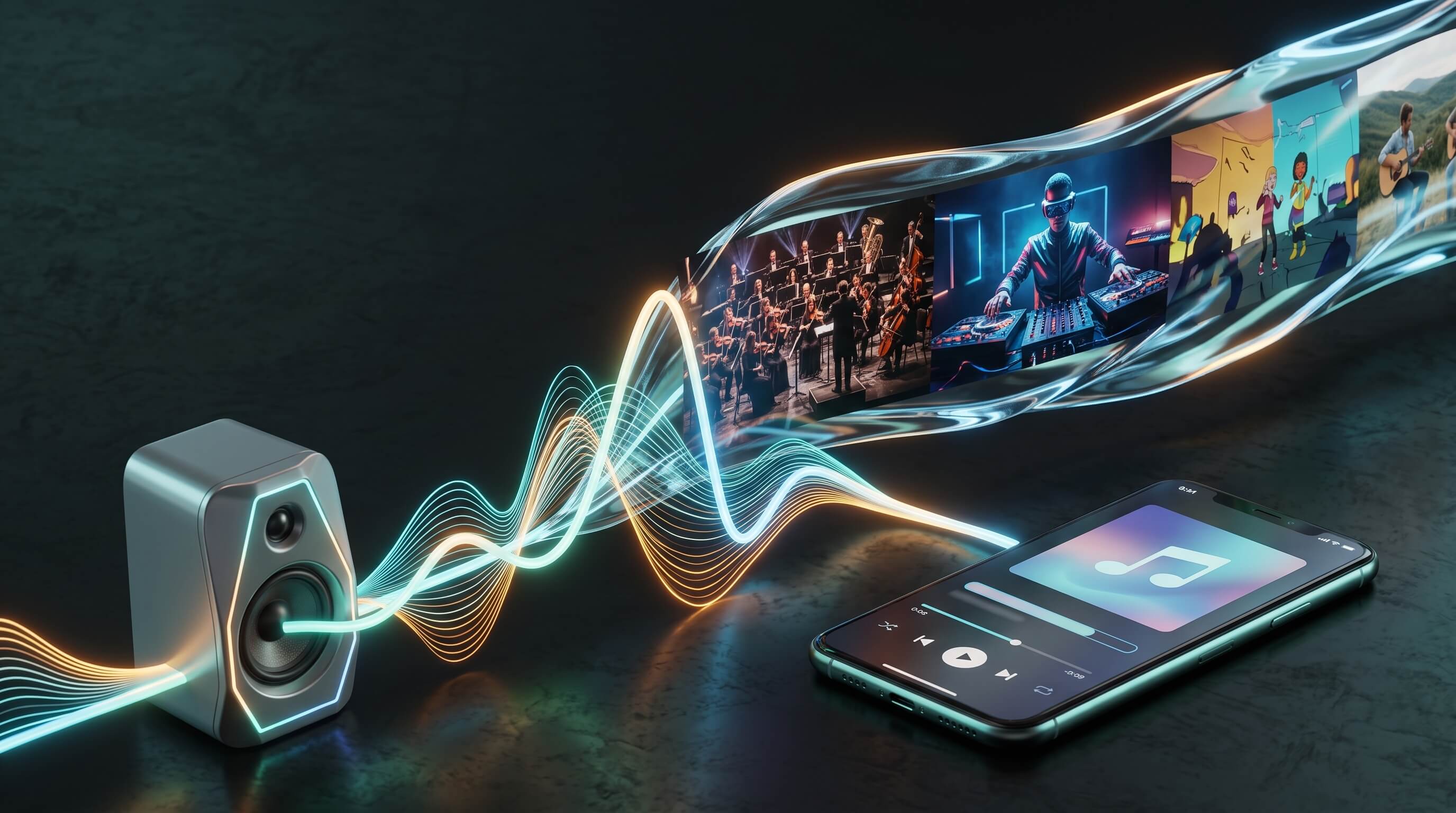
What Is an AI Music Video Generator for Education?
An AI music video generator for education is a creative tool that enables teachers, students, and educational institutions to produce professional-quality music videos for learning, classroom projects, school events, and online courses - without requiring video production skills, expensive equipment, or specialized software. Music is one of the most powerful tools for engagement in education: it enhances memory retention, creates emotional connections to learning material, and reaches students who may not engage with traditional instructional formats. But incorporating visual music content into the classroom has always required technical resources that most schools and teachers do not have.
FlyU.ai bridges this gap by making professional music video creation as simple as uploading an audio file. Teachers can generate visual content for music lessons, student compositions, school events, and educational media in seconds. Students can create their own music videos as class projects, building creative and technical skills simultaneously. The platform analyzes audio for beats, tempo, and structure, then generates synchronized visuals using seven AI models - Seedance 2.0, HappyHorse, Kling 3, Veo3, Sora 2, Gemini Omni, and Grok 1.5 - across 25+ visual styles. With built-in multi-platform export and intuitive controls, FlyU.ai brings the power of AI music video generation into the classroom, making visual music creation accessible to every educator and student regardless of technical background.
5 Use Case Scenarios for Teachers & Education
Music Education - Visual Learning for Music Theory and Appreciation
Music educators have long understood that visual aids significantly enhance music learning. Concepts like rhythm, tempo, song structure, and dynamic variation are abstract and difficult for many students to grasp through listening alone. FlyU.ai transforms these abstract concepts into visible, tangible experiences by generating beat-synced visuals that make musical elements visually apparent. When students can see beats translated into visual cuts, tempo changes reflected in motion speed, and dynamic shifts represented by color and intensity changes, their understanding deepens. Teachers can use FlyU.ai in music theory classes to demonstrate concepts in real time: generate a music video from a student's composition, and the AI's beat-sync engine automatically visualizes the rhythmic structure, making abstract theory tangible. For music appreciation courses, teachers can generate visual content for classical pieces, jazz recordings, or world music selections - helping students see the structural beauty of compositions they might otherwise find inaccessible. The platform supports a wide range of visual styles that can be matched to different musical genres and instructional purposes - minimalist geometric styles for demonstrating rhythm patterns, cinematic styles for historical music analysis, and abstract art styles for creative interpretation exercises. By making music visible, FlyU.ai creates a multisensory learning experience that reaches visual learners, auditory learners, and kinesthetic learners simultaneously - an approach that educational research consistently shows improves comprehension and retention.
Keywords: music education AI, visual music learning, music theory video, music appreciation visual, beat visualization for education
Student Music Projects and Creative Assignments
Student music projects are one of the most engaging and educationally valuable activities in any music or multimedia program. Whether students are composing original music, recording performances, creating remixes, or producing soundtracks for media projects, adding a visual component transforms the experience from an audio exercise into a full creative production. FlyU.ai enables students at every level - from elementary school music classes to university multimedia programs - to create professional music videos as part of their projects. Students upload their compositions or recordings, select visual styles that match their creative vision, and generate beat-synced music videos that bring their music to life visually. This process teaches valuable lessons about the relationship between audio and visual media, introduces concepts of synchronization and timing, and gives students a tangible, shareable final product they can present to classmates, parents, and online audiences. For multimedia and film students, FlyU.ai provides a rapid prototyping tool for music video concepts - students can generate multiple visual interpretations of a single track, experiment with different styles and AI models, and develop their visual storytelling skills without spending hours on manual editing. The platform's Lite mode is free, making it accessible to students and schools regardless of budget. For educators assigning creative projects, FlyU.ai reduces the technical barriers that often prevent students from fully realizing their creative ideas - allowing the focus to remain on musical and artistic expression rather than software proficiency.
Keywords: student music project video, school music video project, student creative assignment, music class video, student multimedia project AI
School Events and Performances - Concert Visuals and Highlights
School music events - concerts, recitals, talent shows, assemblies, and graduation ceremonies - are among the most memorable experiences in a student's educational journey. Adding professional visual elements to these events elevates the production quality and creates lasting memories for students, families, and faculty. FlyU.ai enables schools to generate concert visuals, event promos, and highlight videos without the production budget that professional event visuals typically require. For school concerts and recitals, teachers can generate beat-synced background visuals for each performance piece - projecting AI-generated visuals that move in time with the music behind student performers, creating a concert experience that rivals professional productions. For event promotion, generate teaser videos featuring clips of performance pieces with eye-catching visuals to promote upcoming events on social media and school websites. After events, create highlight videos by pairing recorded audio from performances with AI-generated visuals - giving families and students a polished memento of the event without hiring a videographer. These visual elements transform school events from simple performances into full productions that students take pride in and that showcase the quality of a school's music program to the broader community. For schools with limited arts budgets, FlyU.ai provides a cost-effective way to deliver professional-level visual production that would otherwise be financially out of reach.
Keywords: school concert visuals, school event video AI, graduation video generator, school talent show visual, school performance background
Online Courses and Educational Media
The rapid expansion of online education has created enormous demand for engaging educational media that goes beyond talking-head lectures and static slides. Music educators who teach online - whether through formal LMS platforms, YouTube educational channels, or independent course platforms like Teachable and Udemy - need visual content that maintains student engagement through screens. FlyU.ai enables online educators to create visually rich music content that enhances the learning experience. Generate visual introductions for course modules using music that sets the tone for each lesson. Create beat-synced lyric videos for music theory exercises that students can follow visually. Produce background visuals for recorded lectures that keep the visual channel active and engaging even during audio-focused instruction. For music history courses, generate period-appropriate visual content that immerses students in the aesthetic of the era being studied - classical compositions with elegant, flowing visuals, jazz recordings with moody, atmospheric styles, modern pop with vibrant, energetic visuals. The platform's multi-platform export also makes it easy to distribute educational music content across multiple channels - course platforms, YouTube, social media - from a single generation. Online educators who incorporate visual music content into their courses report higher completion rates, better student engagement scores, and more positive course evaluations. FlyU.ai makes this level of educational media production accessible to every educator, not just those with production budgets or technical teams.
Keywords: online music course video, educational music media, online teaching visual, music course content AI, educational video production
Interactive Learning and Music Exploration
Some of the most powerful learning moments happen when students are actively exploring and experimenting - not just consuming instructional content, but creating and discovering on their own. FlyU.ai enables interactive music learning experiences where students can rapidly generate visual content from any audio source and immediately see how different musical elements translate into visual form. Students can record themselves singing, playing an instrument, or beatboxing, upload the recording, and generate a music video in seconds - then experiment with different visual styles to see how the same music creates entirely different visual experiences. This rapid feedback loop encourages experimentation and deepens students' intuitive understanding of how musical elements like rhythm, melody, dynamics, and timbre relate to visual properties like motion, color, composition, and pace. Teachers can design exploration-based lessons where students create music videos for different genres, compare how the AI interprets different types of music, and discuss why certain visual styles emerge from certain musical characteristics. For younger students, this kind of creative music exploration builds foundational music literacy in an engaging, play-based format that does not feel like traditional instruction. For older students, it develops critical thinking about the relationship between different art forms and provides hands-on experience with AI tools that are increasingly relevant to creative careers. FlyU.ai's free tier makes this kind of interactive learning accessible to every classroom, regardless of school budget or technology resources.
Keywords: interactive music learning, music exploration for students, AI music education tool, creative music classroom, student music experimentation
How It Works - Create Educational Music Videos in 4 Steps
1 Upload Your Audio
Upload any audio file - student recordings, composed pieces, educational music examples, or performance recordings in MP3, WAV, FLAC, or AAC format. FlyU.ai supports tracks up to 10 minutes and analyzes the audio structure in seconds.
2 Choose an Educational Visual Style
Select from 25+ visual styles that match your educational purpose. Use minimalist styles for rhythm visualization, cinematic styles for historical music analysis, anime styles for creative student projects, or abstract art styles for music exploration activities. The AI can also auto-suggest styles based on your music genre.
3 Generate and Preview
Hit "Generate" and FlyU creates a beat-synced music video that visualizes the audio. Preview the video to ensure it meets your educational objectives - showing rhythm patterns clearly, highlighting song structure, or creating the right mood for your lesson or project.
4 Export and Share
Download your educational music video in formats optimized for your distribution channel - share in class via projector or smartboard, upload to your LMS or course platform, post on YouTube for student access, or share on social media to showcase student work and school programs.
Real-World Examples
Example 1: High School Music Teacher - Rhythm Visualization Lessons
A high school music theory teacher uses FlyU.ai to demonstrate rhythmic concepts in real time. Students compose simple drum patterns, upload their recordings, and generate music videos that visualize their rhythms through beat-synced visual transitions. Seeing their own compositions translated into synchronized visuals helps students immediately understand concepts like syncopation, polyrhythm, and dynamic accent that were previously abstract and difficult to grasp. The teacher reports that rhythm comprehension test scores improved by 40% after incorporating FlyU.ai visualization exercises into the curriculum.
Example 2: University Multimedia Program - Student Music Video Projects
A university multimedia arts program integrated FlyU.ai into its introductory music video production course. Instead of spending the first half of the semester teaching video editing software, students begin creating music videos from week one - uploading their original compositions, experimenting with different AI models and visual styles, and developing their visual storytelling instincts through rapid iteration. Course completion rates increased by 25%, and student portfolio quality improved as students produced more diverse and creative work by eliminating technical barriers to production.
Example 3: Elementary School - Interactive Music Exploration
An elementary school music teacher uses FlyU.ai as a creative exploration tool for students in grades 3 through 5. Students record themselves singing, clapping rhythms, or playing classroom instruments, then generate music videos from their recordings using different visual styles. The activity combines music performance, creative expression, and technology literacy in a single engaging exercise. Students share their music videos with classmates and families, building confidence and pride in their musical abilities. The teacher noted that student engagement with music class increased dramatically, with students voluntarily spending additional time composing and recording to create new videos.
Frequently Asked Questions
Is FlyU.ai appropriate for classroom use at the K-12 level?
Yes. FlyU.ai is designed for ease of use and does not require any technical video production skills, making it accessible to students and teachers at every educational level from elementary school through university. The platform generates all visual content from AI based on audio input - no external footage, copyrighted material, or user-generated imagery is required. This means all generated content is original and safe for classroom use. FlyU.ai's free tier allows students and teachers to generate 15-second music videos at no cost, providing enough functionality for most classroom activities and student projects.
Can students use FlyU.ai for school projects without a budget?
Absolutely. FlyU.ai offers a free Lite mode that lets anyone generate a 15-second music video at no cost, with no credit card required. Students get access to all seven AI models and 25+ visual styles in the free tier. This is sufficient for most classroom projects, demonstrations, and creative assignments. For longer or higher-resolution videos needed for portfolio work or advanced projects, paid plans are available - and educational institutions may qualify for special pricing through FlyU.ai's education program.
How can FlyU.ai support music theory instruction?
FlyU.ai's beat-sync technology makes abstract music theory concepts visible and tangible. When you generate a music video from any audio, the AI maps visual transitions to beats, tempo changes, and structural elements like verses and choruses. Teachers can use this to demonstrate rhythm concepts (students see beats translated into visual cuts), song structure (visual scenes change at verse-chorus boundaries), dynamics (visual intensity reflects volume changes), and tempo (motion speed reflects BPM). This multisensory approach helps students who struggle with purely auditory music instruction develop a deeper understanding through visual reinforcement.
What formats can I export educational music videos in?
FlyU.ai exports in all standard video formats optimized for educational use: 16:9 widescreen for classroom projection and YouTube educational content, 9:16 vertical for social media sharing and mobile-friendly distribution, 1:1 square for online course platforms and presentation slides, and 2.39:1 ultra-wide for immersive classroom displays. Each format is optimized for its intended playback environment. Teachers can also export in multiple formats from a single generation, making it easy to share the same content across class, LMS, and social channels simultaneously.
Can an entire school or district use FlyU.ai?
Yes. FlyU.ai supports organizational accounts and enterprise plans designed for educational institutions. School districts, individual schools, and university departments can set up centralized accounts that provide access to multiple teachers and students while maintaining administrative control over usage, branding, and content standards. For large-scale deployments, FlyU.ai offers educational licensing with volume pricing and dedicated support. Contact the FlyU.ai team for educational institution pricing and setup assistance.